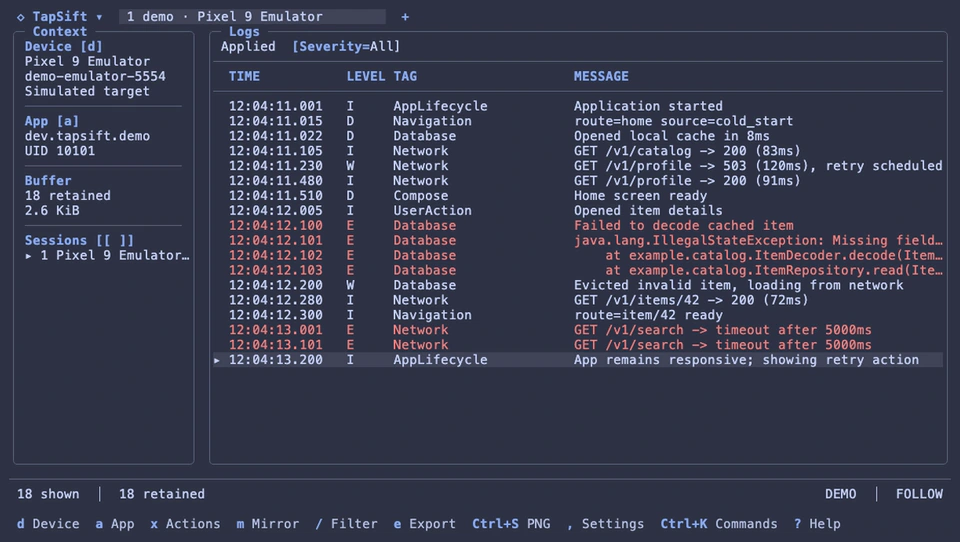
Android Logcat in your terminal

Mobile logs, sifted.

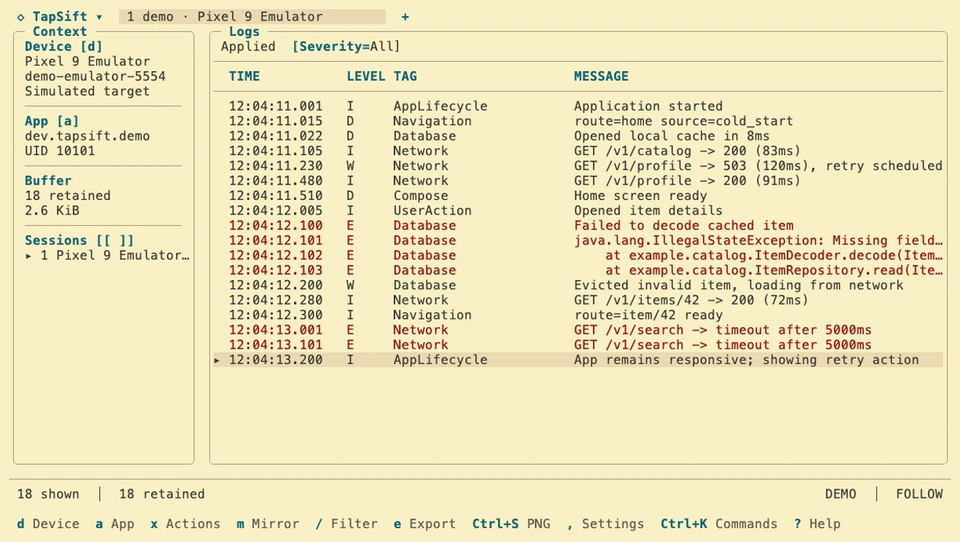
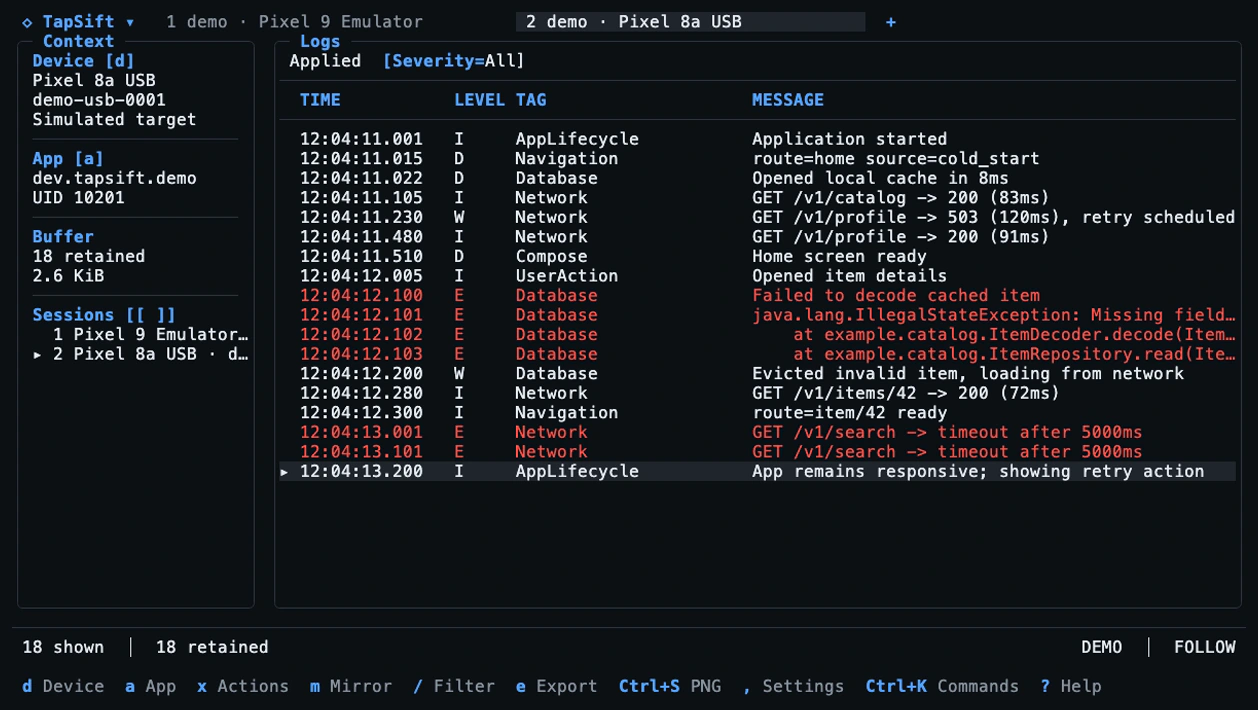
Pick a device and an app. TapSift scopes the logs to that app, keeps the evidence, and hands your agent a bounded snapshot.

Build from source

make build
./bin/tapsift --demo

Run from a TapSift source checkout with Go 1.26 or later. v0.1.0 is in preparation: Homebrew and release archives arrive with the release.

Open source Apache-2.0 macOS and Linux

The workspace in motion

One app. Every signal. Nothing else.

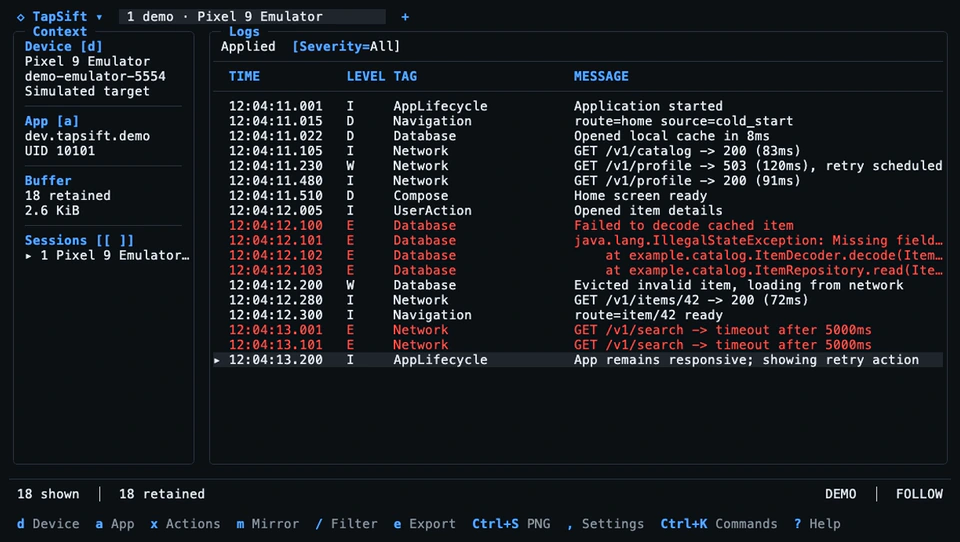
Focus on one app’s logs in a real workspace, keep the evidence, and give your agent structured output.

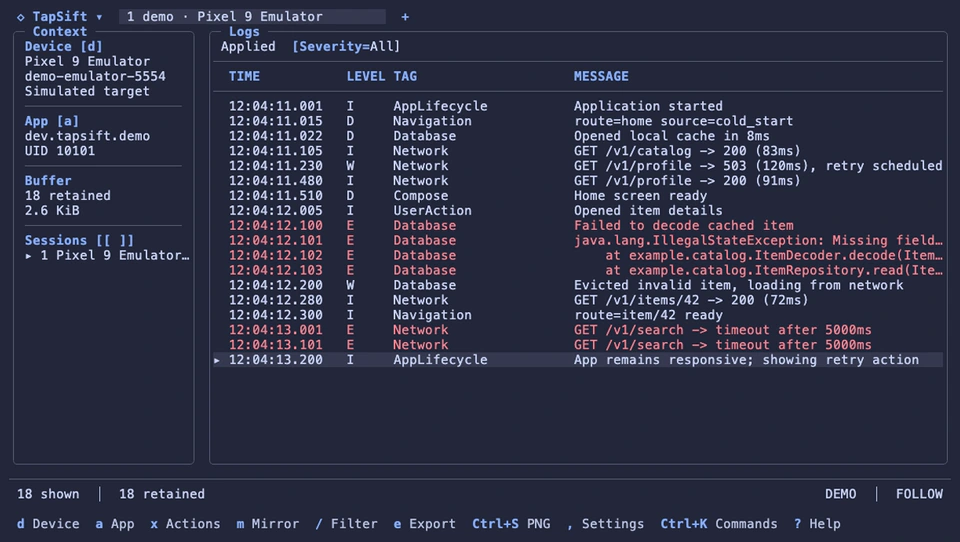
tapsift --demo Synthetic demo data
A silent walkthrough: pick a device, pick an app, filter to errors, open a record, export. Read the transcript
  • 14themes, plus your terminal’s own colors
  • 4independent session tabs in one workspace
  • 18synthetic records in the offline demo
  • 0accounts or AI keys required

01 / The loop

From device to evidence.

Pick the scope, follow the failure, and keep what you found. All in the same terminal workspace.

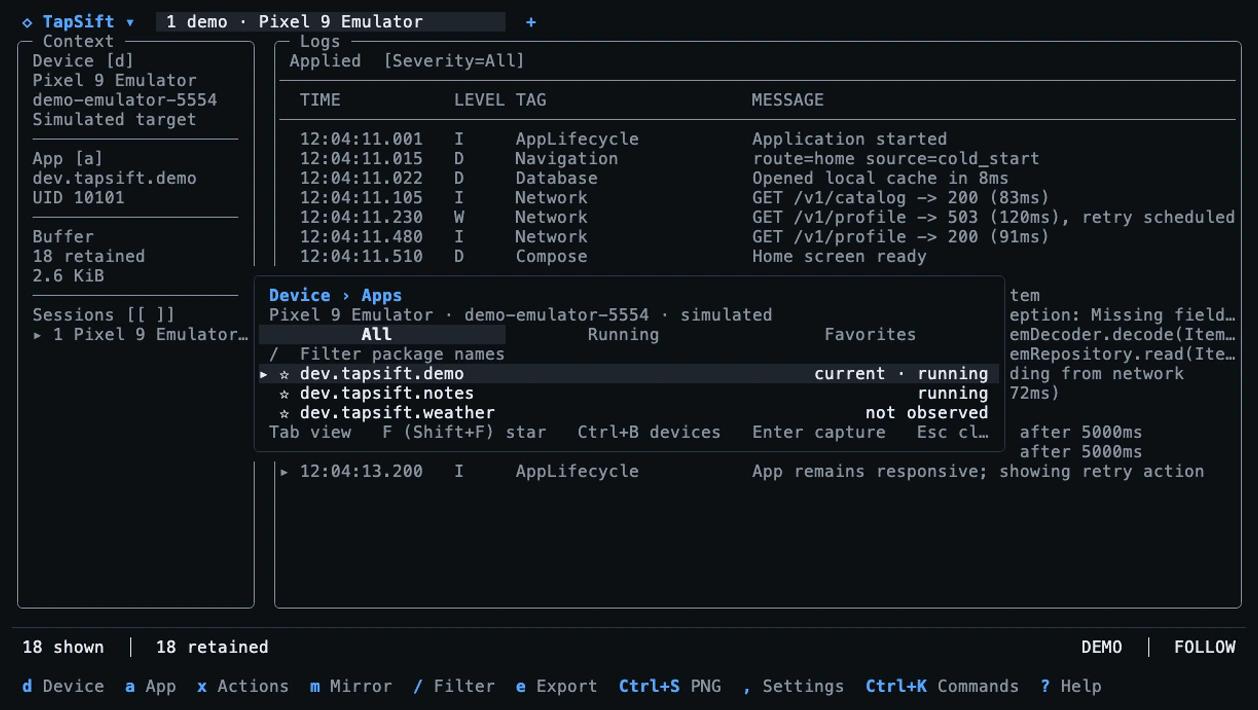
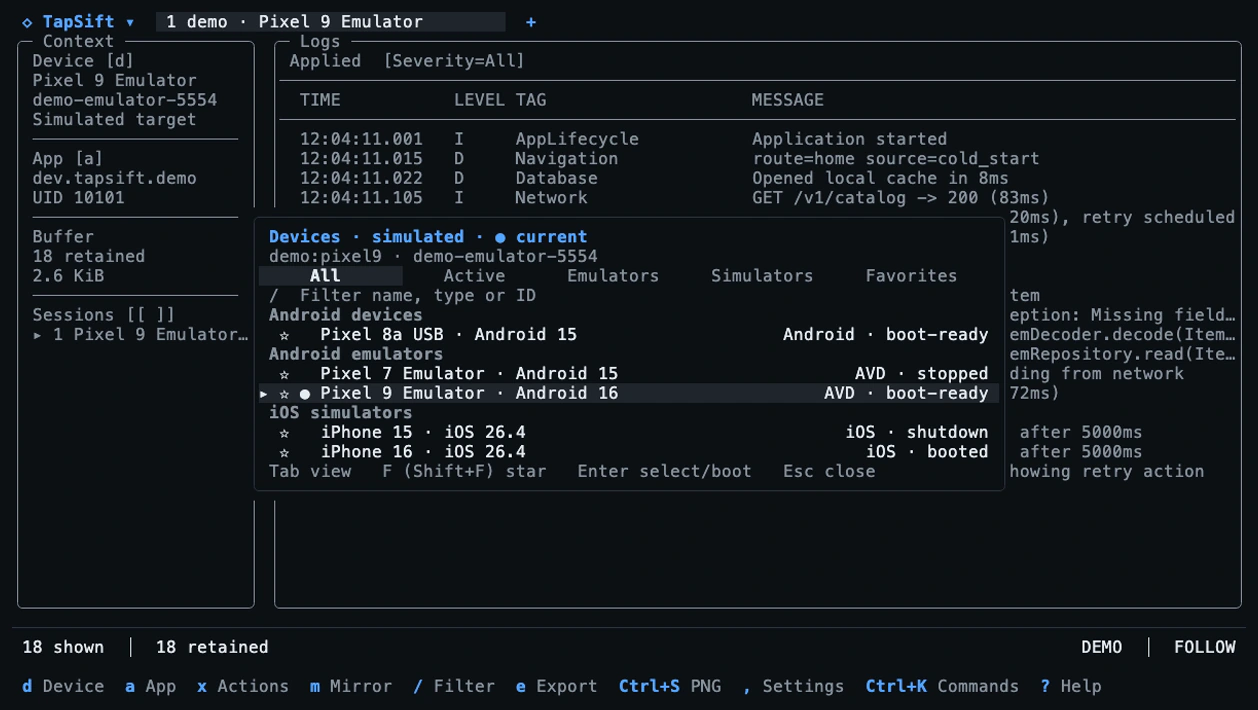
  1. Pick a device

    Choose the phone or emulator you want to inspect. The picker lists Android devices and emulators, plus iOS Simulators on macOS. Favorites stay at the top.

    d
    Search devices
    ↑ ↓
    Highlight a target
    Enter
    Select it and open the app picker

    Demo Pixel 9 Emulator, demo-emulator-5554, simulated
    Connect your first device
    Simulated device picker with Pixel 9 Emulator selected
  2. Pick an app

    TapSift resolves the app’s UID and scopes Android capture to it, not a package-name text match. It keeps following the app across restarts and never silently widens to all apps.

    a
    Open the app picker
    Enter
    Start capture for the app
    Esc
    Close without changing capture

    Demo dev.tapsift.demo captured by UID 10101

    Choose an app
    App picker with the running dev.tapsift.demo package selected
  3. Find the failure

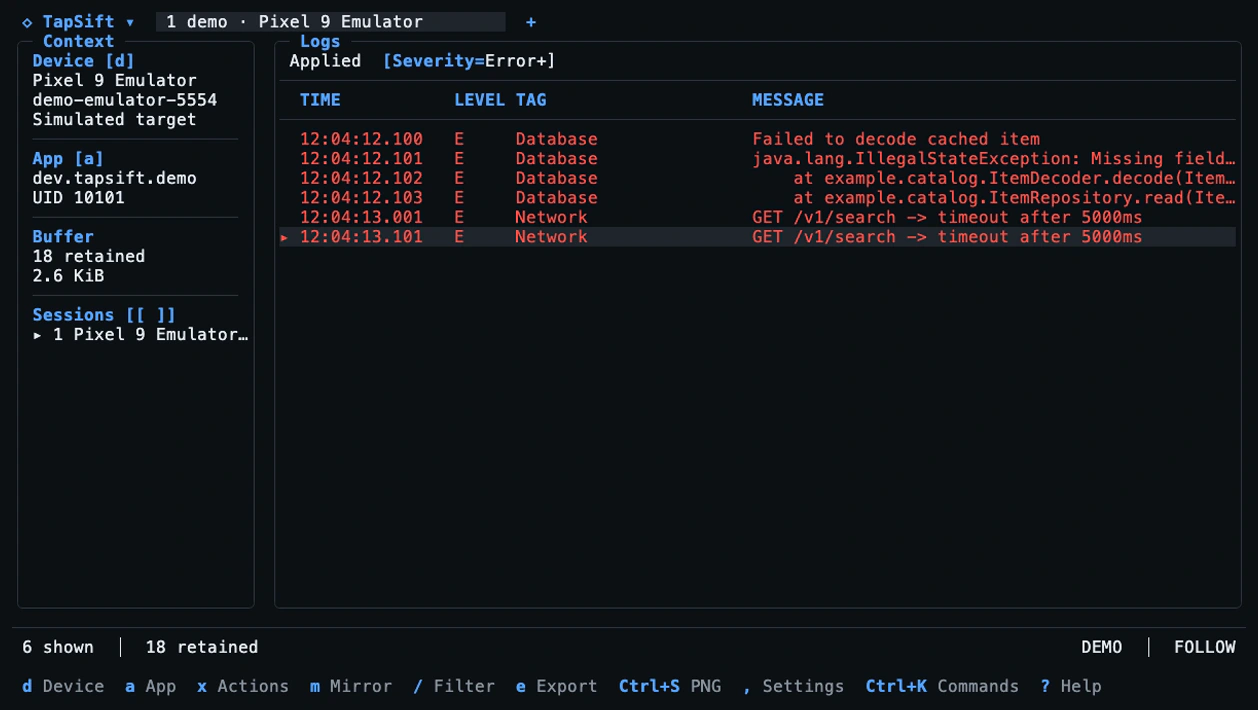
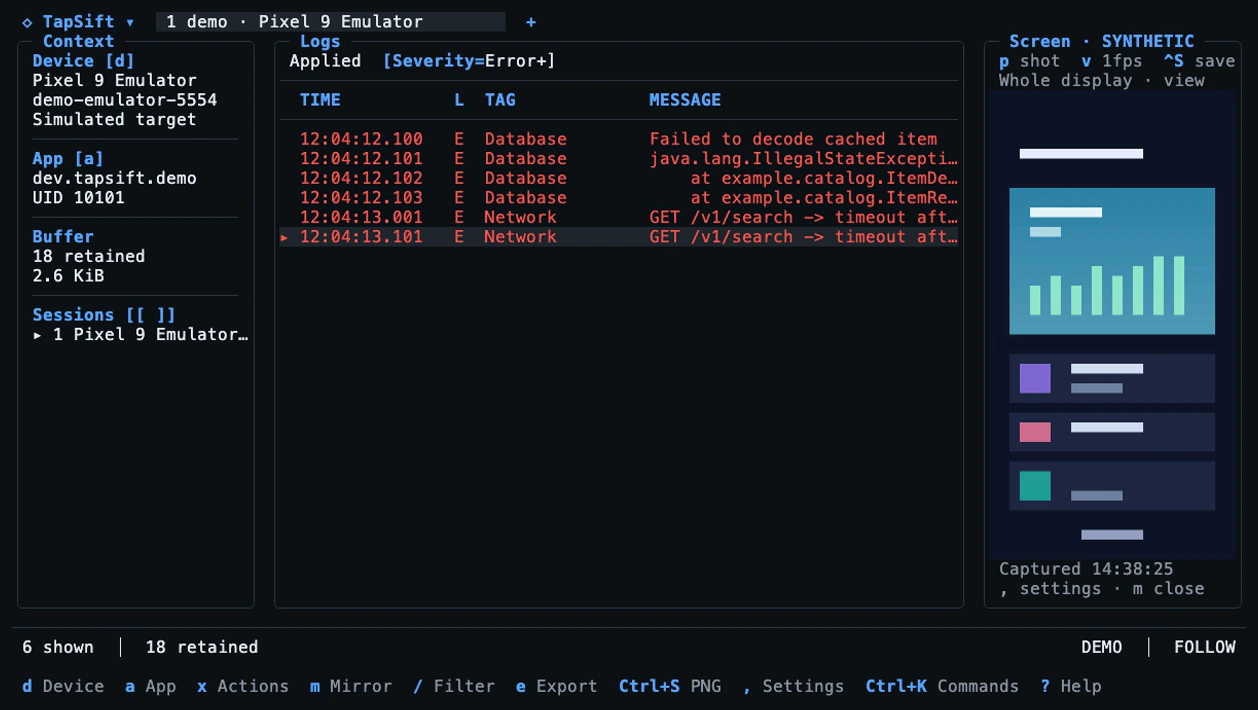
    Narrow by level, exact tag, text, or regex. Applied filters stay visible above the log, so you always know what you are looking at.

    l
    Cycle the minimum severity
    t
    Filter by exact tag
    /
    Search message and tag text

    Demo Severity=Error+ leaves 6 of 18 records; the Network tag leaves the 2 timeouts

    Explore filters
    Applied Error+ filter showing six of 18 retained logs
  4. Keep the evidence

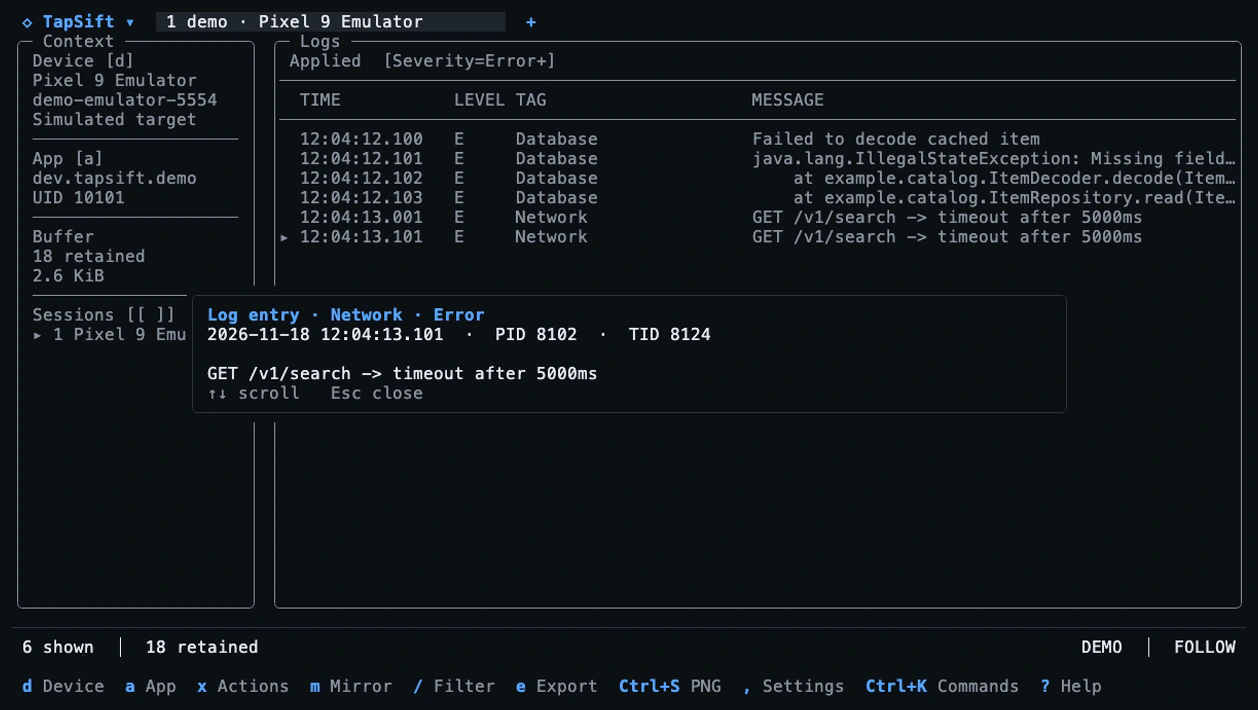
    Open the full record, then export the rows that match your filters with a metadata sidecar. Opt into history to reopen a session after a restart.

    Enter
    Read the record in detail
    e
    Export with a sidecar
    Space
    Freeze the view while capture continues

    Files demo-failure.log and .meta.json, private 0600, never overwritten

    Export logs and metadata
    Network error detail showing a search request that timed out after 5000 ms
  5. Hand off to your agent

    Run a finite query instead of streaming. The JSON carries row and byte budgets and says exactly what was read, matched, or left out.

    --demo
    Offline fixture, no device
    --level E
    Errors and above
    --limit 5
    Row budget

    Result records_read 18, matched_records 6, output_truncated false

    Use TapSift with agents

02 / Interactive demo

Find the timeout.

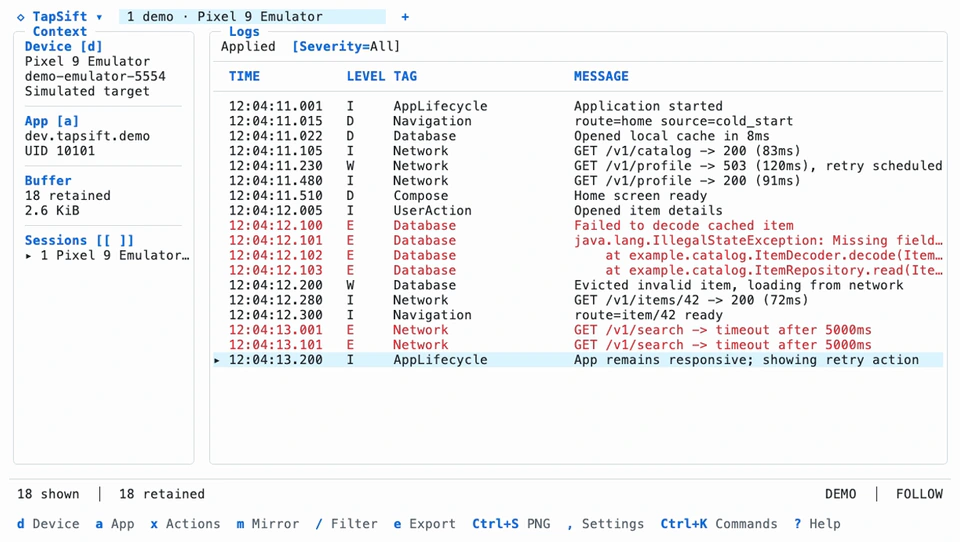
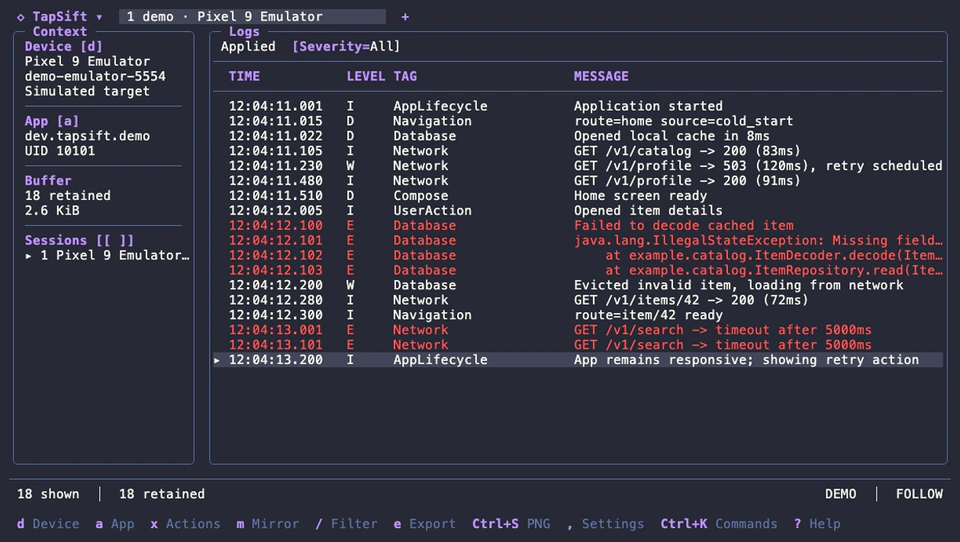
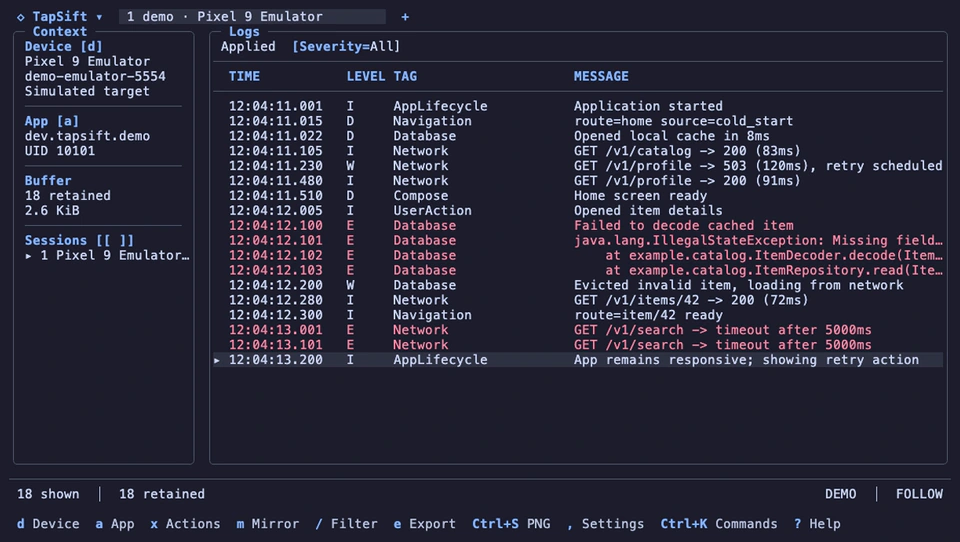
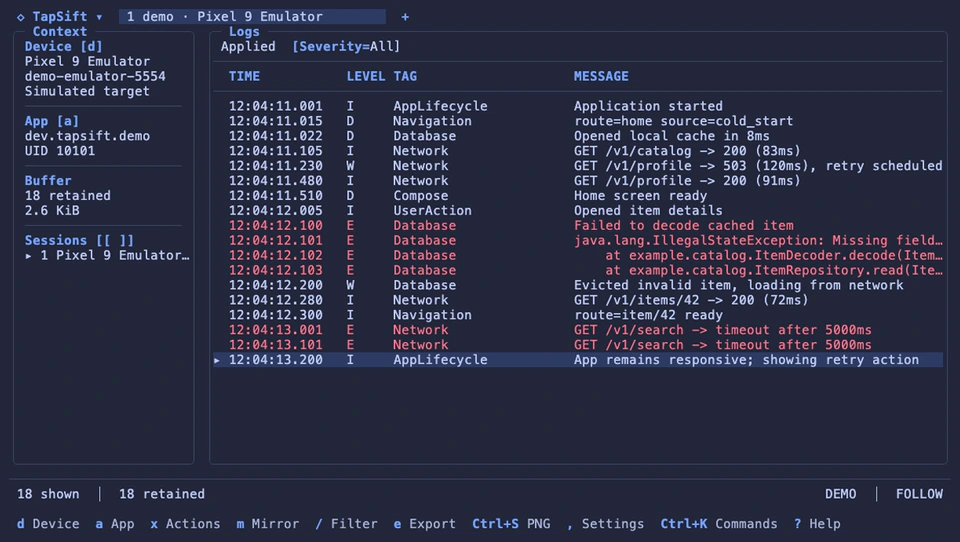
These are the same 18 records as the offline CLI demo. Try Error+ and the Network tag to isolate the two search timeouts.

03 / For agents

Give your agent a bounded snapshot.

Use the workspace to investigate, then use finite CLI queries to hand off structured evidence with explicit limits.

Offline query

tapsift query --demo --level E --limit 5
Read, matched, omitted
See how many records were read, matched the filter, or were left out of the output.
output_truncated
Check whether an output limit cut the result short.
schema_version
Let scripts check the output format before parsing.
JSON response Trimmed: summary not shown
{
  "schema_version": 1,
  "source": "demo",
  "scope": "synthetic",
  "complete_input": true,
  "records_read": 18,
  "records_retained": 6,
  "retained_text_bytes": 1030,
  "evicted_records": 0,
  "matched_retained_records": 6,
  "matched_records": 6,
  "unparsed_records": 0,
  "truncated_records": 0,
  "omitted_records": 0,
  "output_truncated": false
}

04 / Themes

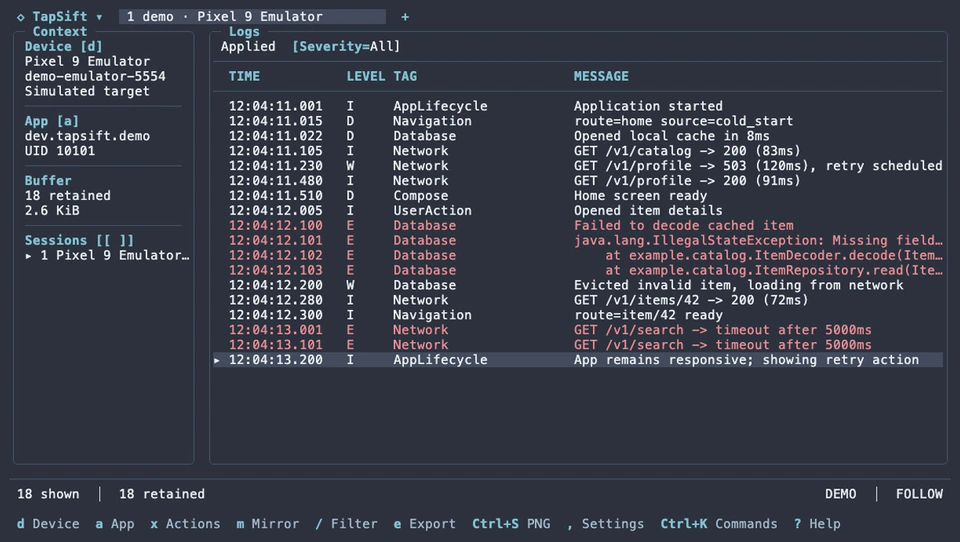
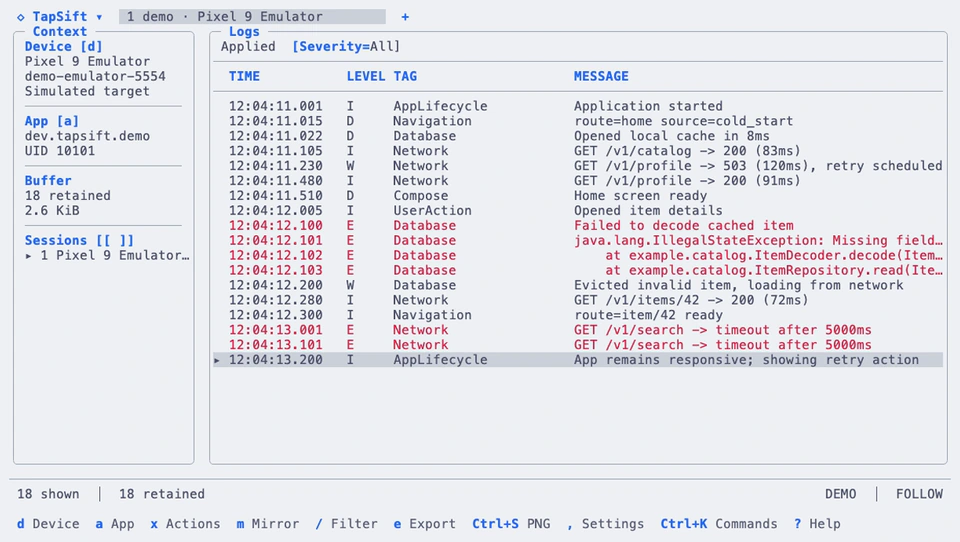
Same logs. Fourteen palettes.

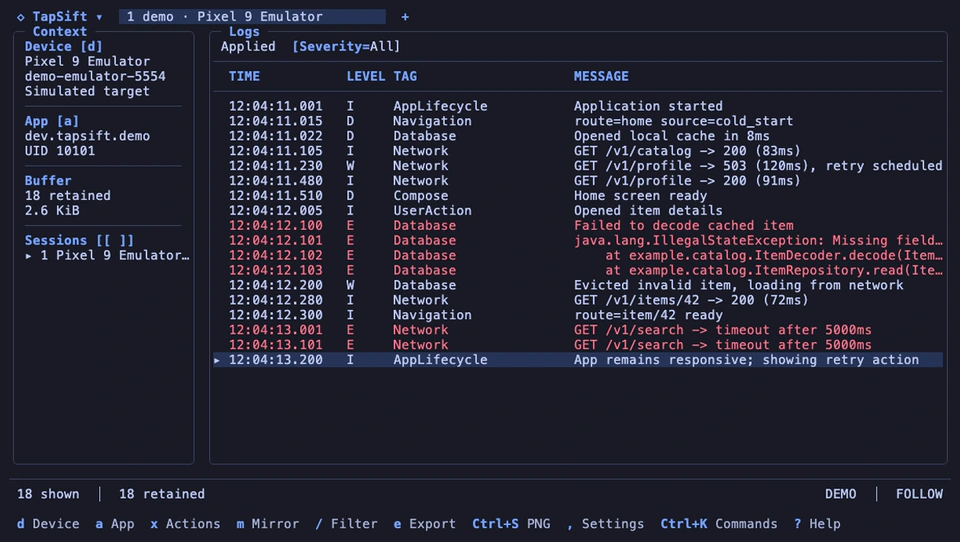
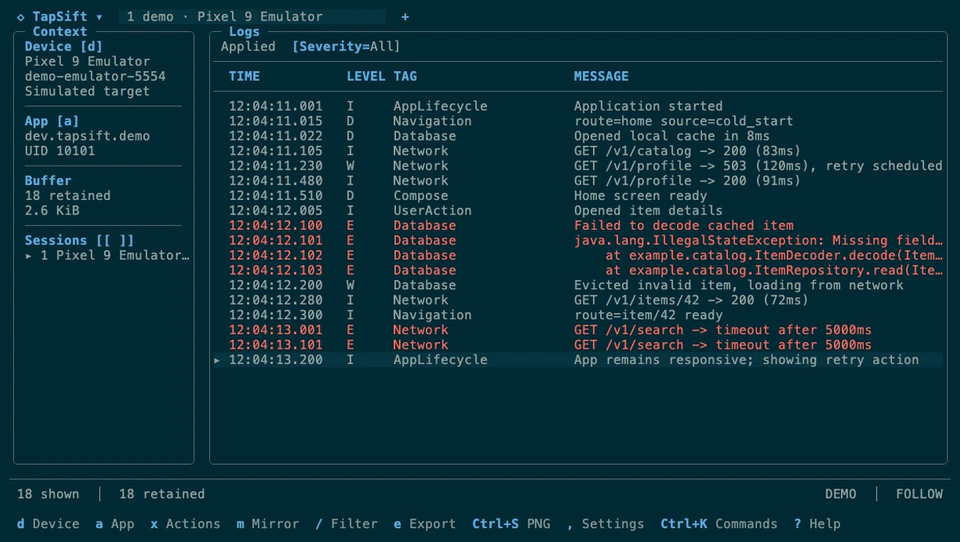
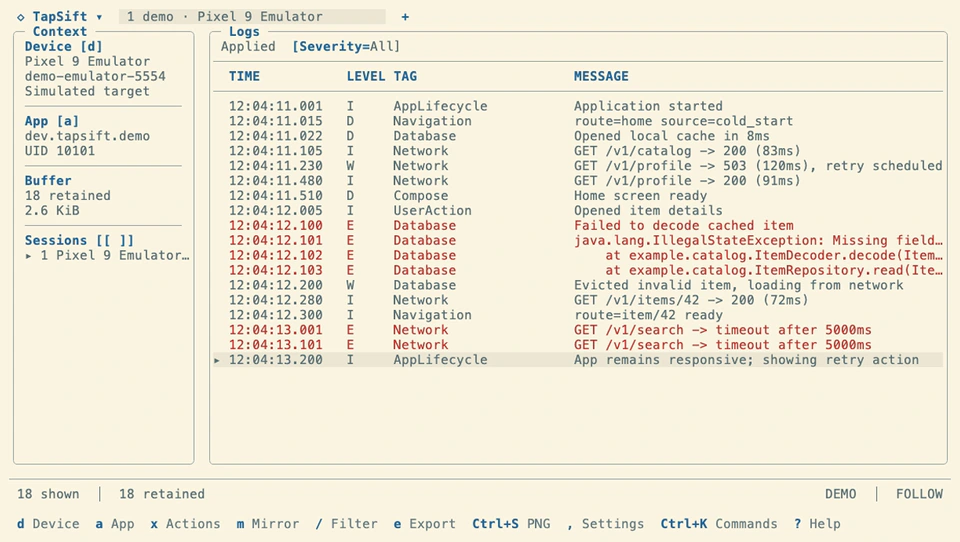
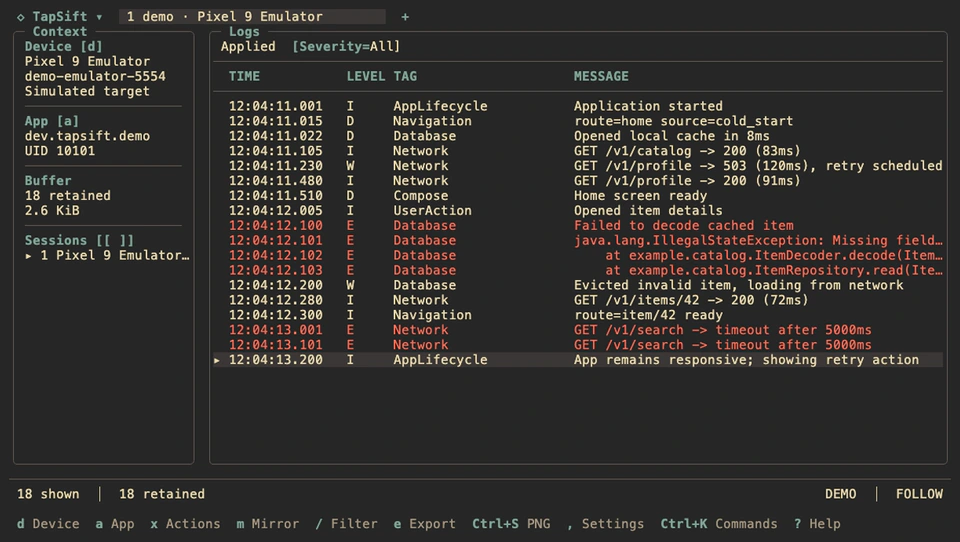
Scroll or drag to browse. Open any preview to see it at full size.

Theme guide

05 / The workspace

More than a stream of logs.

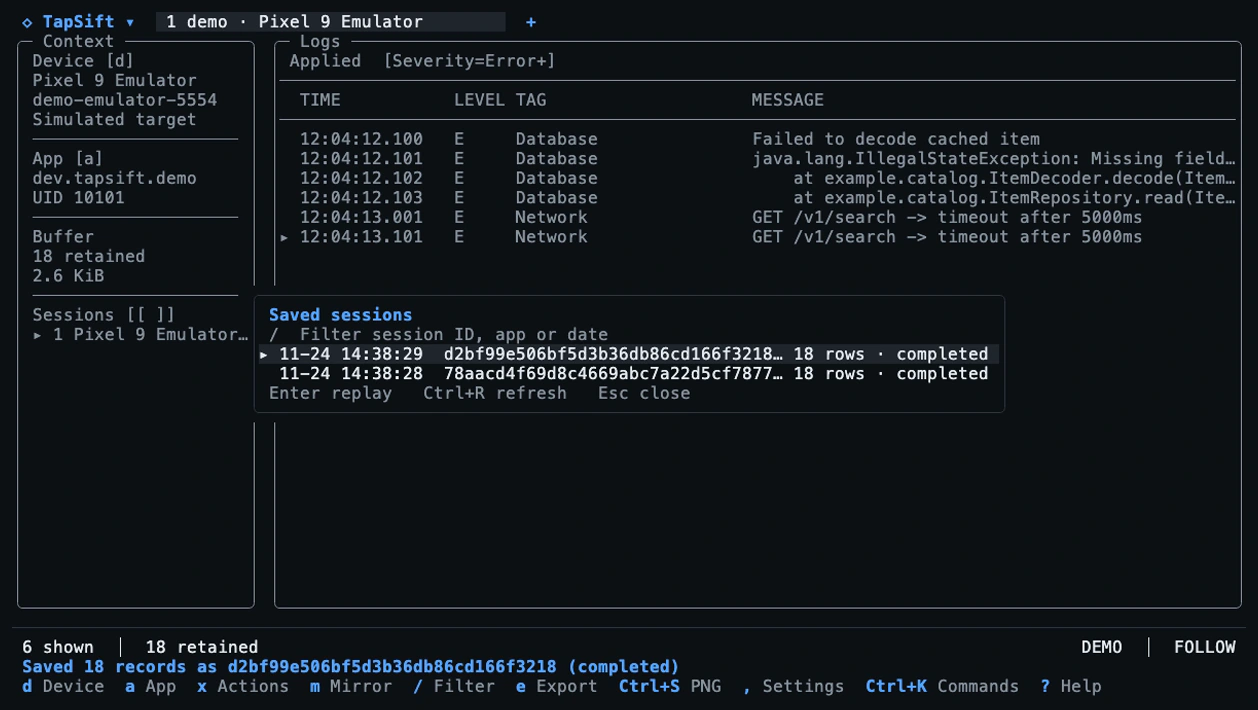
History

Opt into local capture history and reopen saved sessions.

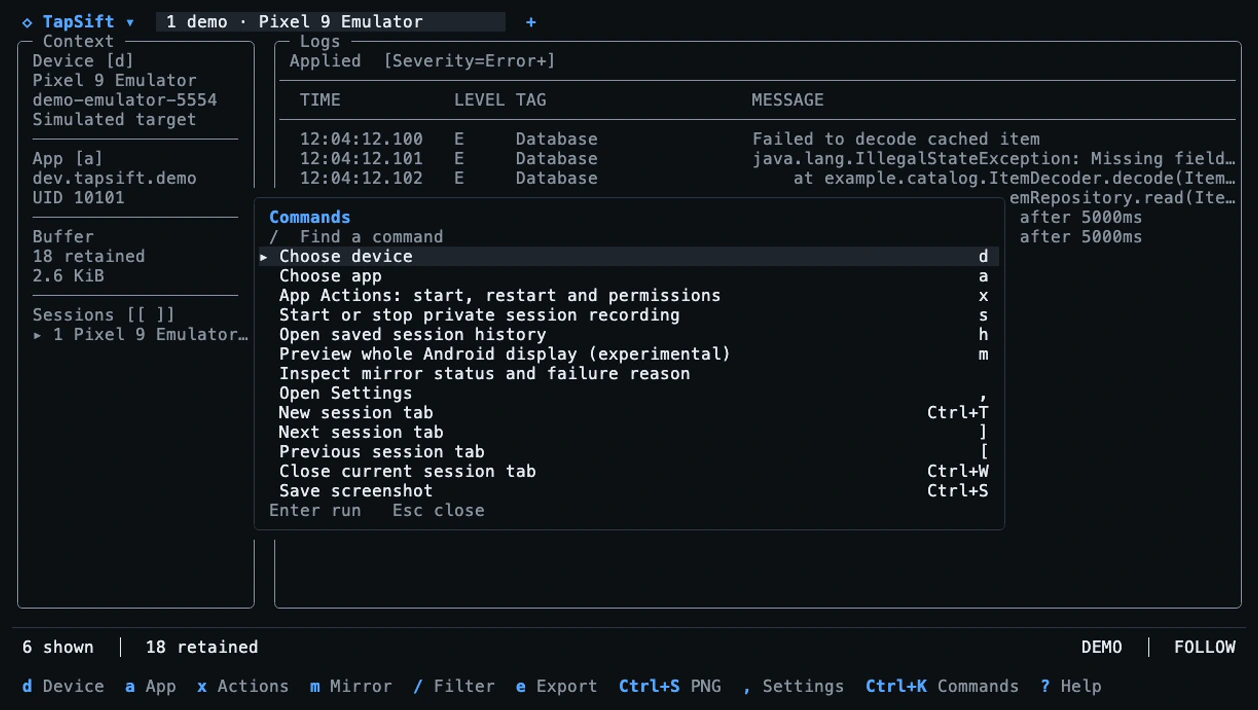
Saved sessions picker showing two completed synthetic captures

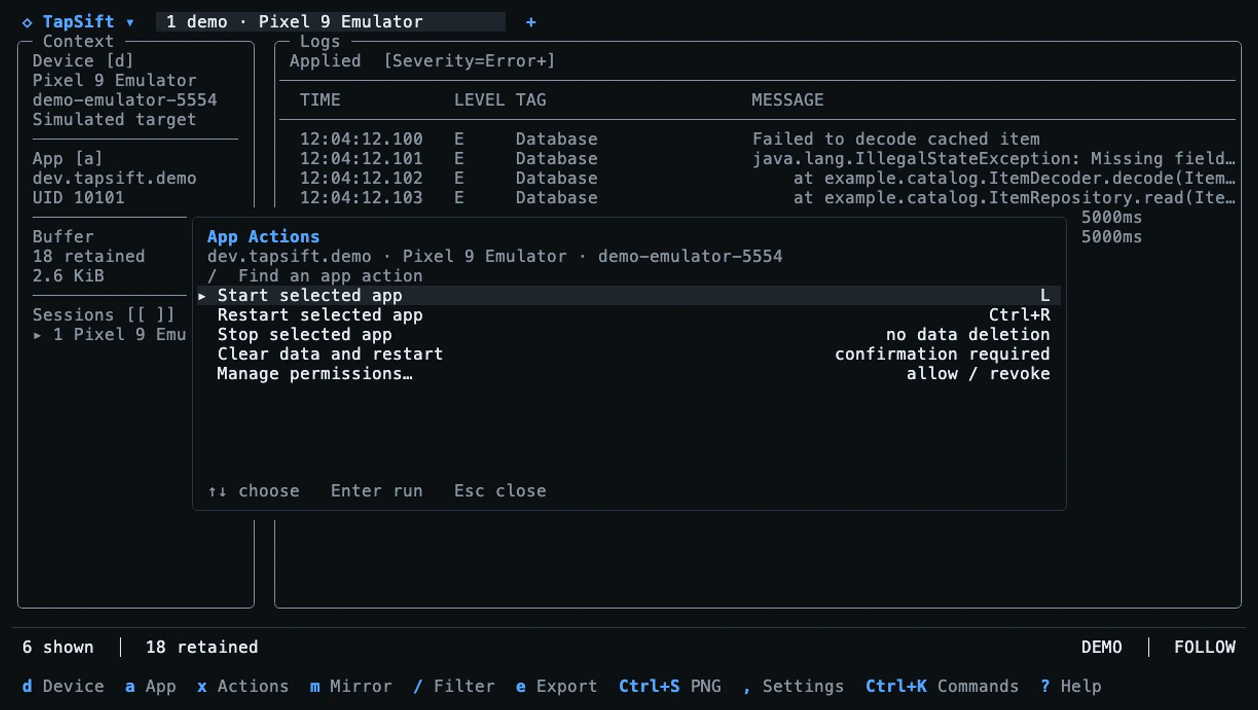
App Actions

Start, restart, stop, or manage permissions for the selected Android app.

App Actions menu with start, restart, stop, clear and restart, and permissions

06 / Platform support

Know what runs where.

TapSift runs on macOS and Linux. Local by default, with no account or AI key required.

Android
SupportedApp UID-scoped Logcat on devices and emulators.
iOS Simulator
ExperimentalUnified logs for the selected app on macOS with Xcode.
Android Mirror
ExperimentalPixel video with FFmpeg and Kitty graphics, text snapshots otherwise.
Physical iPhone
Not availableNo capture on physical iPhones.
Windows
Not availableTapSift runs on macOS and Linux hosts.

07 / Comparison

Pick the right tool for the job.

adb logcat is the quickest raw stream. Android Studio Logcat fits when you already work in the IDE. TapSift is for an app-scoped terminal workspace and evidence you can keep or hand to a script.

Scroll sideways to compare all three.

Basic, documented behavior of each tool as it ships. See each tool's own documentation for details.
What you needTapSiftadb logcatAndroid Studio Logcat
Show one app's logsPick the app. TapSift resolves its UID and keeps following it across restarts.Look up the process or user ID yourself, then filter with --pid (or --uid on recent Android).Filter by package in the Logcat window.
Where it runsTerminal, with adbTerminalInside the Android Studio IDE
Keep logs for laterPrivate exports with a metadata sidecar. Opt-in saved sessions you can reopen.Redirect or write output to a file.Save or export logs to a file.
Output for scripts and agentsFinite JSON with row and byte budgets and completeness counts.Text stream. -d dumps and exits.Interactive panel

Get started

Try it without a phone.

Open a synthetic session, find the timeout, and export the evidence before you plug in a device.