DocsUse TapSift
Filters and record detail
Narrow the log list to the lines that matter and read one record in full, without losing what is still arriving.
Before you start
Open a source: a device and app (First device) or the demo (tapsift --demo). Filters work the same on live capture, files and saved sessions.
The four filters
| Filter | Key | Matching | Example |
|---|---|---|---|
| Level | l | Minimum severity. l cycles it. | E shows errors and worse |
| Tag | t | Exact tag match | Network |
| Text | / | Case-insensitive substring of message or tag | timeout |
| Regex | r | Go regular expression on message or tag | time(d)? ?out |
Filters combine: a row must pass all of them. Applied filters stay visible above the column headings, and drafts you are still typing carry a separate label.
Steps
1. Open an editor. Press t, / or r. A dialog opens over the dimmed log view and previews the result as you type.
2. Apply or cancel. Enter applies. Esc restores the previous filter. Ctrl+U clears the draft.
3. Inspect or reset. Press Ctrl+K to open Commands. Inspect applied filters shows the full values. Clear log filters resets them.
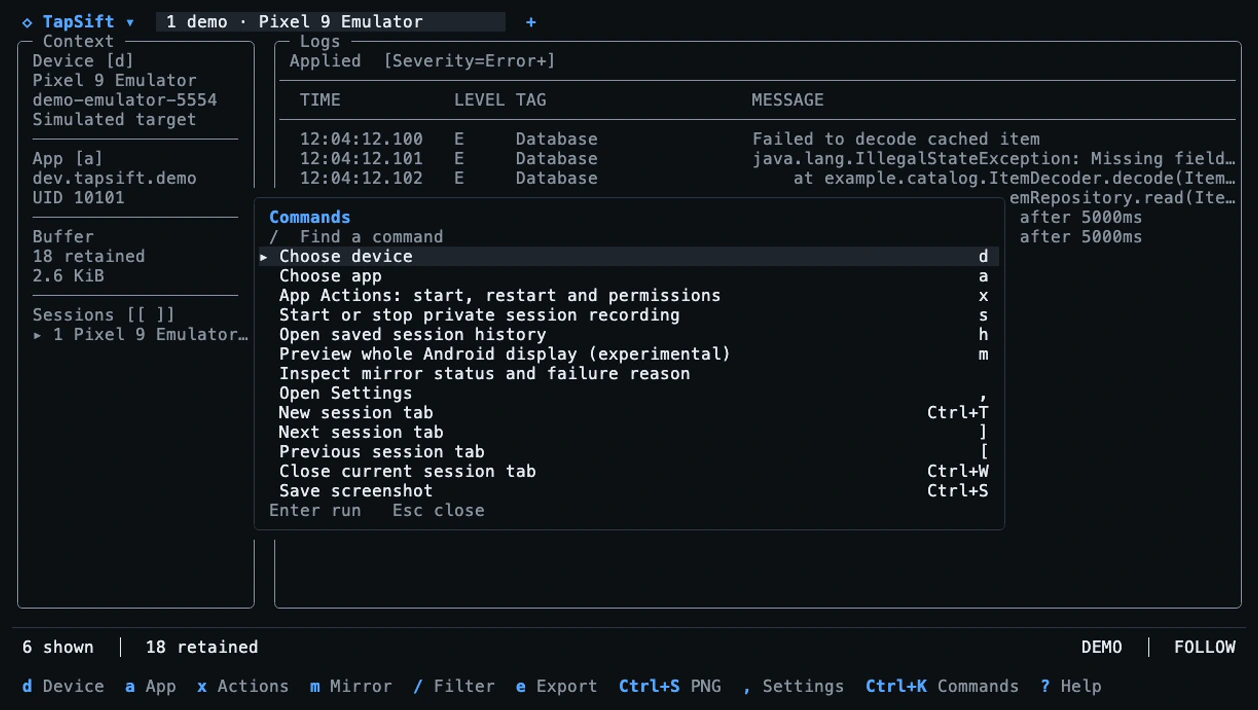
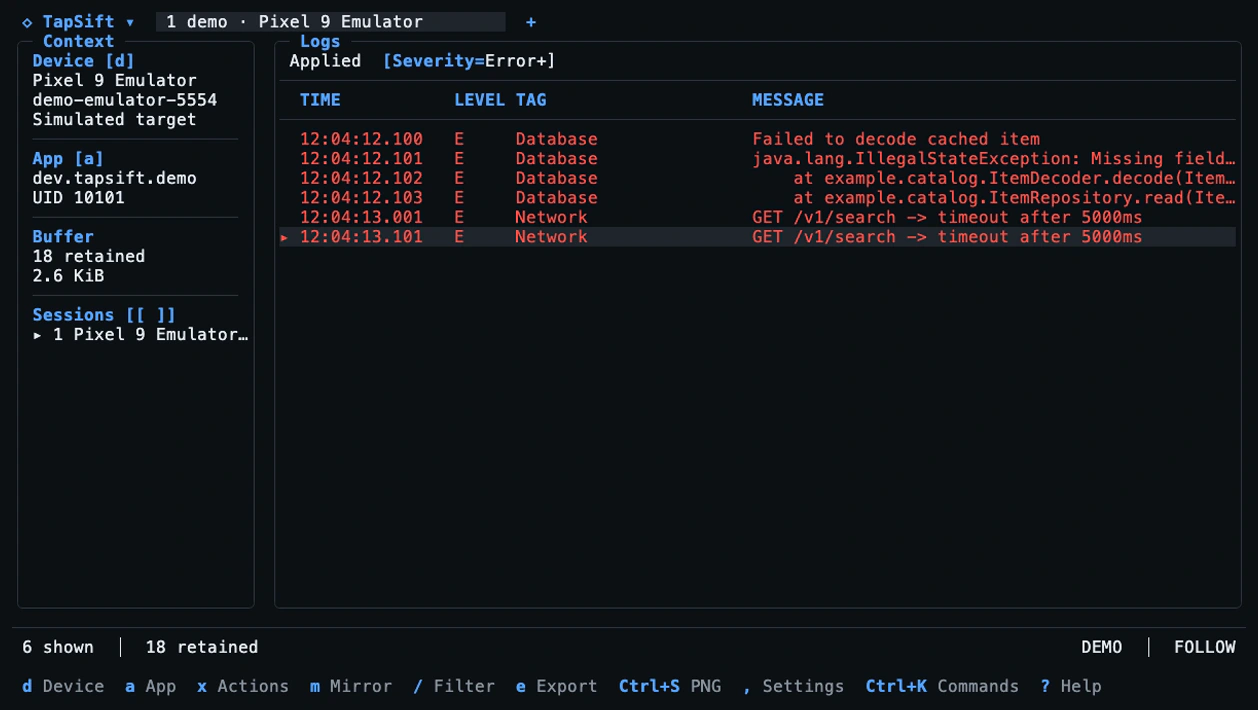
What you should see
The same filters from the command line, on the demo:
tapsift logs --demo --level Esource=demo scope=synthetic read=18 retained=6 evicted=0 matched=6 omitted=0 output_truncated=false
2026-11-18 12:04:12.100 E Database Failed to decode cached item
2026-11-18 12:04:12.101 E Database java.lang.IllegalStateException: Missing field title
2026-11-18 12:04:12.102 E Database at example.catalog.ItemDecoder.decode(ItemDecoder.kt:42)
2026-11-18 12:04:12.103 E Database at example.catalog.ItemRepository.read(ItemRepository.kt:81)
2026-11-18 12:04:13.001 E Network GET /v1/search -> timeout after 5000ms
2026-11-18 12:04:13.101 E Network GET /v1/search -> timeout after 5000msRegex works on the message and tag:
tapsift logs --demo --regex 'timed? ?out|decode'source=demo scope=synthetic read=18 retained=4 evicted=0 matched=4 omitted=0 output_truncated=false
2026-11-18 12:04:12.100 E Database Failed to decode cached item
2026-11-18 12:04:12.102 E Database at example.catalog.ItemDecoder.decode(ItemDecoder.kt:42)
2026-11-18 12:04:13.001 E Network GET /v1/search -> timeout after 5000ms
2026-11-18 12:04:13.101 E Network GET /v1/search -> timeout after 5000msAn invalid pattern is rejected with a message, for example invalid log regex: error parsing regexp: missing closing ): ....
Freeze the view
Press Space to freeze. The visible rows stop moving while capture continues behind them, so you can read and export a stable snapshot. Press Space again to resume. End or G jumps back to following new records, and Home or g jumps to the oldest.
Move around
| Keys | Action |
|---|---|
| ↑ / ↓, j / k, mouse wheel | Move one record |
| PgUp / PgDown, Ctrl+U / Ctrl+D | Page |
| Home / End, g / G | Oldest record / follow new records |
Open a record
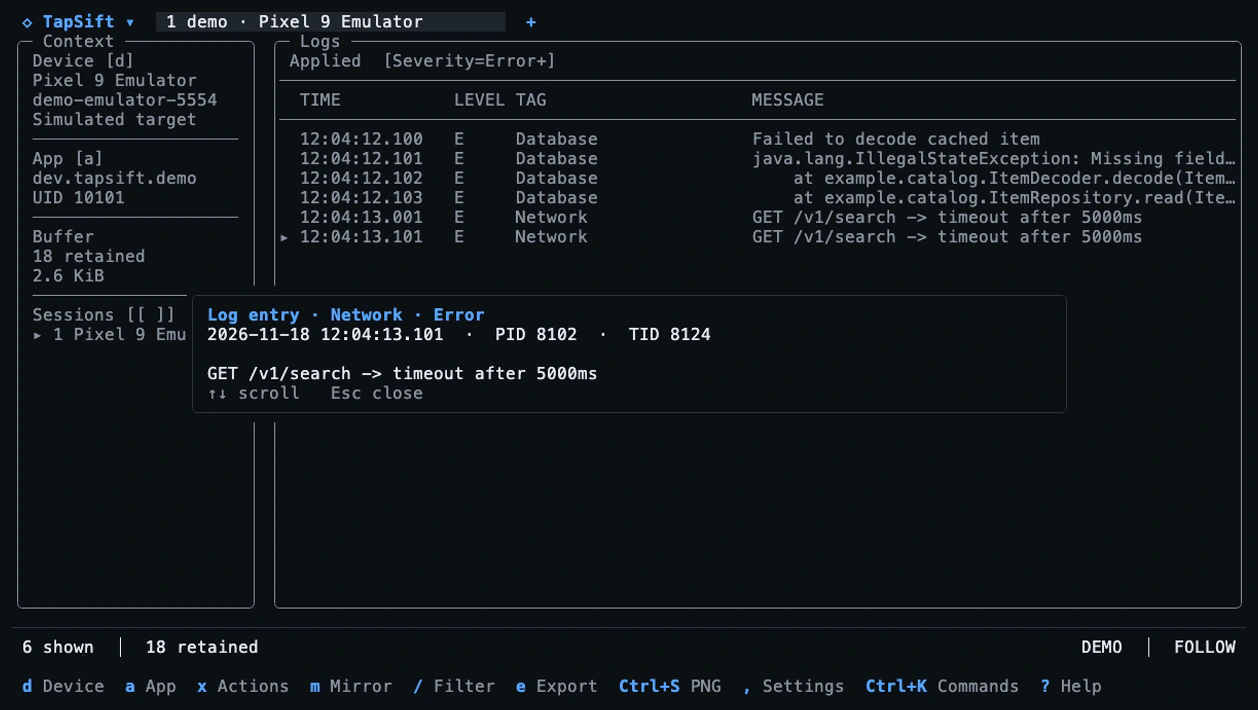
Select a row and press Enter to read the whole record. Esc closes it.
Log colors
Settings (,) → Logs controls which rows or severity markers use color. By default, error rows are highlighted. Severity letters stay visible in plain mode. TapSift respects NO_COLOR. See Themes.
Limits
- A TUI tab retains up to 10,000 records within a 16 MiB text budget. Older records are evicted, and evictions are counted in exports and CLI output.
- A filter shows or hides what was captured. It cannot bring back logs that Android or your app never emitted.
- Tag matching is exact. Use text or regex for partial matches.